SuzySays.zip
Name your price
The standard Windows download is listed at 242 MB.
View standard download ↗Official game guide + an original browser mini-game
Created for suzysays.fun
Read the signal. Tap the colour. Wait out the traps.
Original mini-game · Touch or keys 1–4
Tuning in to Color Command…
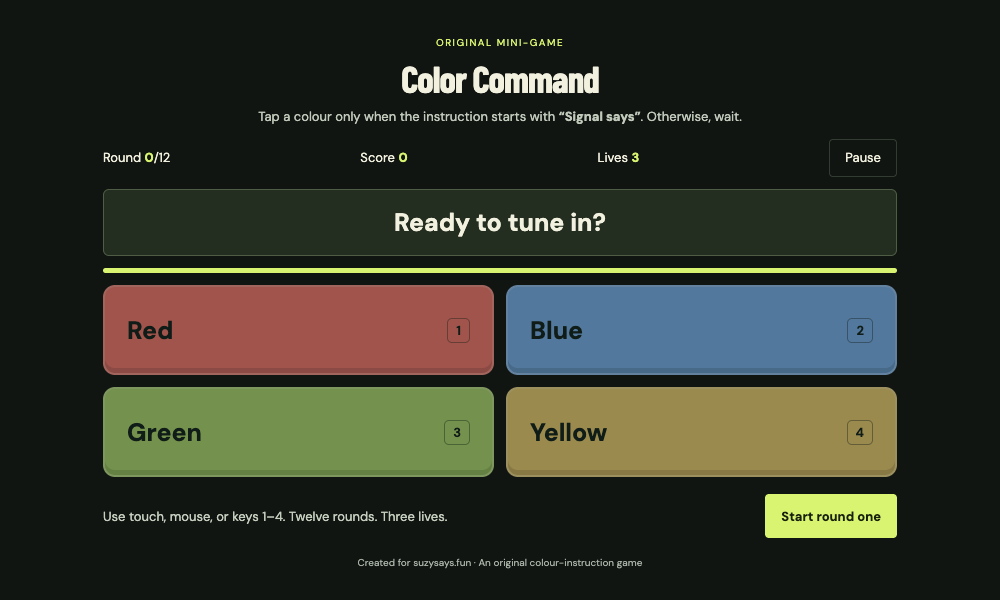
12 rounds · 3 lives · Tap only after “Signal says”.
Follow an instruction only when it begins with “Signal says”. If the prefix is missing, keep your hands off the colours until the timer ends. A correct tap or a correctly ignored trap earns one point. A wrong tap or a missed command costs one life. Complete twelve rounds, or try again when your three lives run out.
Tap a labelled colour with your mouse or finger. On a keyboard, use 1 for Red, 2 for Blue, 3 for Green and 4 for Yellow. Pause or resume with the on-screen button or P. The game also pauses when its tab becomes hidden. The first two rounds explain the rule; later rounds mix commands and traps. Scores last for the current game session.
This original mini-game uses its own rules, visuals and code. The guide below covers MOONBIT’s Suzy Says! Windows release.
A guide to MOONBIT’s horror game
A cheerful host. A mysterious DVD.
Listen carefully before you move.
Windows download · Available on itch.io
Read the spoiler-light guide ↓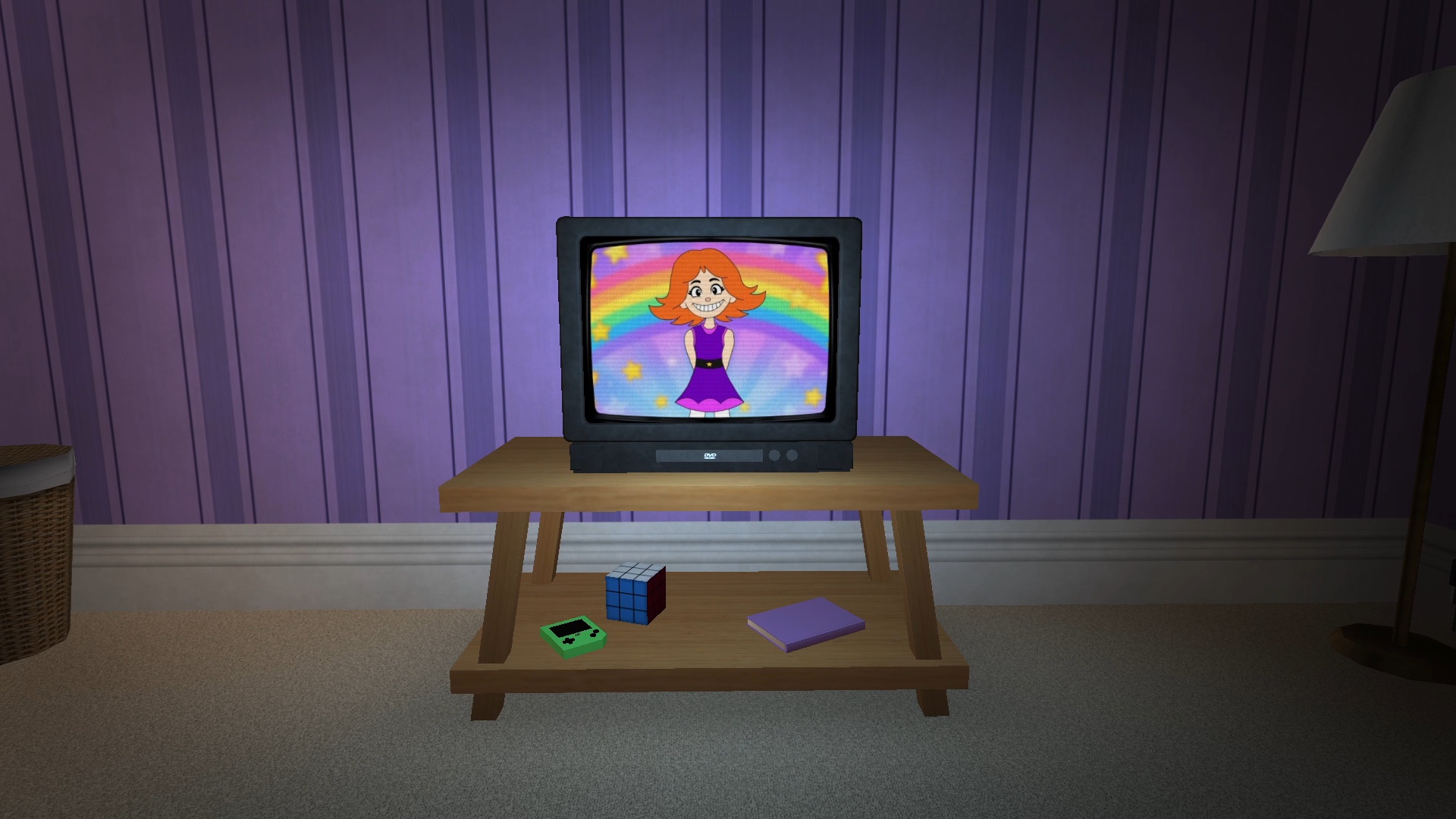
Before the DVD starts
Suzy Says! is MOONBIT’s first-person horror game about an interactive DVD and a colourful floor mat. Its instructions put a sinister spin on Simon Says.
This fan guide helps you find the developer’s download, choose a version and learn the controls before starting. Keep the official page handy for current files and updates.
Our approach to a first playthrough is simple: leave the ending unexplained, keep the controls within reach, and give each instruction your full attention. The sections below are a starting checklist you can use at your own pace.
Choose your download
Both files are offered on MOONBIT’s itch.io page.
Name your price
The standard Windows download is listed at 242 MB.
View standard download ↗$1.50 USD or more
Adds Endless Mode and a secret ending. Also listed at 242 MB.
View full version ↗Checked 16 November 2026. Prices and files can change. Check the developer’s listing ↗
Keep these close
The developer lists these keyboard controls.
A spoiler-light first session
Finish downloading and extracting the game before you launch it. Keep the extracted files together so that the executable can find its resources. Choose a comfortable screen brightness and a moderate listening volume before entering a horror scene.
For an instruction-following game, we recommend waiting for the whole instruction before choosing an action. Rushing at the first familiar word makes it harder to understand what was asked. Treat a mistake as a chance to read the next prompt more carefully.
If you get stuck, note the instruction you saw, the action you tried and what happened next. Those details make a question easier for another player to answer. When discussing an ending, begin your comment with a spoiler label so others can choose whether to keep reading.
Before you press play
Use the official MOONBIT itch.io page linked above. This site directs you to the developer’s download and provides an independent guide.
The official listing currently provides Windows files. To play the developer’s release, use a Windows computer and download it from itch.io. The embedded Color Command above is our own original mini-game.
The developer includes Endless Mode and a secret ending in the Full version. Check the listing before paying to confirm the files included with your purchase.
The official page currently lists Windows. Check the developer’s platform information before downloading anything advertised as a phone version.
Make sure extraction has finished, then launch from the extracted folder. If the problem continues, write down the exact error and check the developer’s page for updates. Include your Windows version when asking for help.
Describe the immediate instruction or technical problem first. Keep later events and ending details out of the opening sentence. If your question needs spoilers, label it clearly so a first-time player can skip it.
After your first session
Share a question or a useful tip. Mark story spoilers before describing them.
The conversation starts with your first question.